Weekly
₦250
7 days of access
Cashbook access
Start 14-day trialDaily Cashbook by OyaLinkup
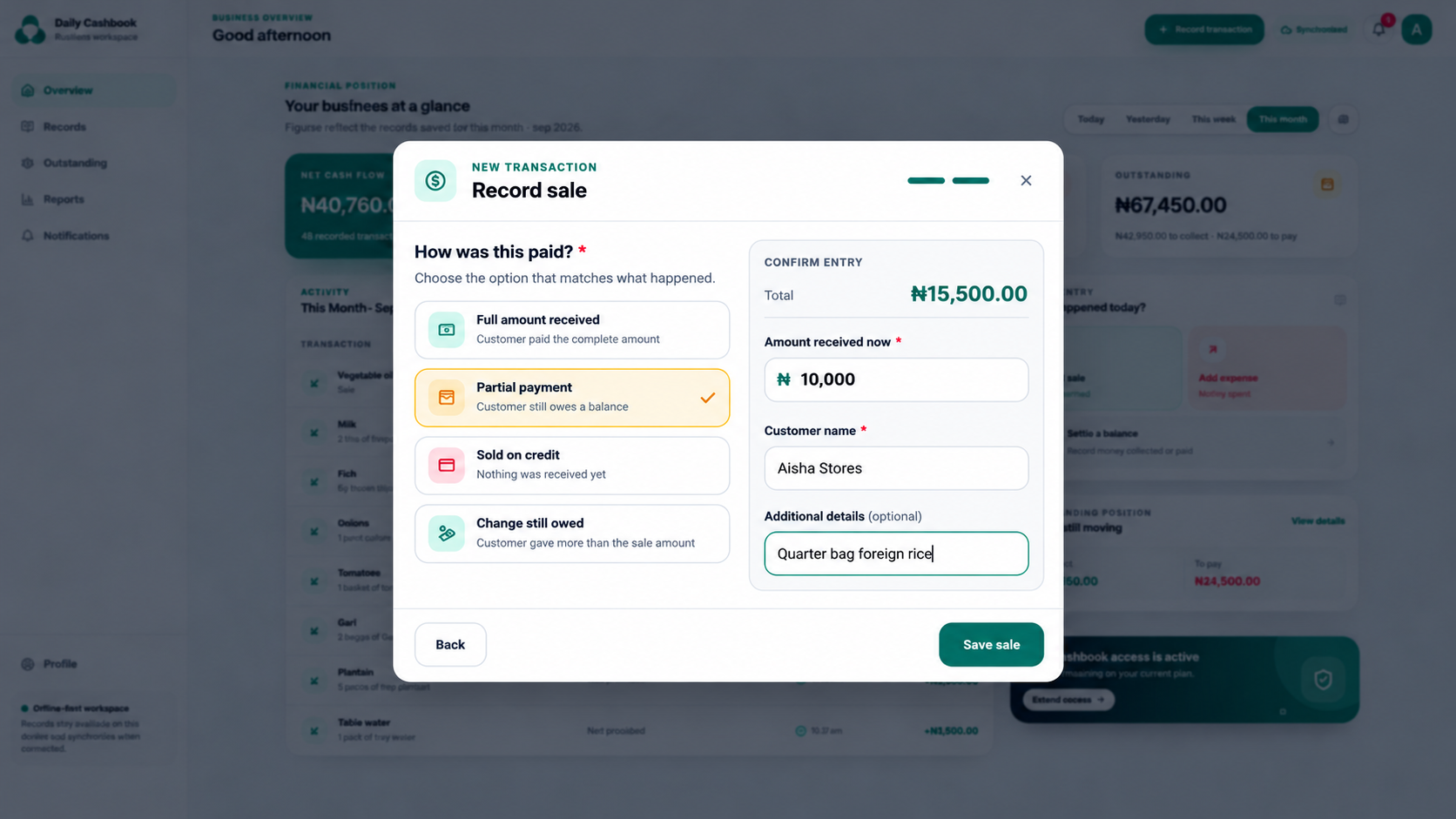
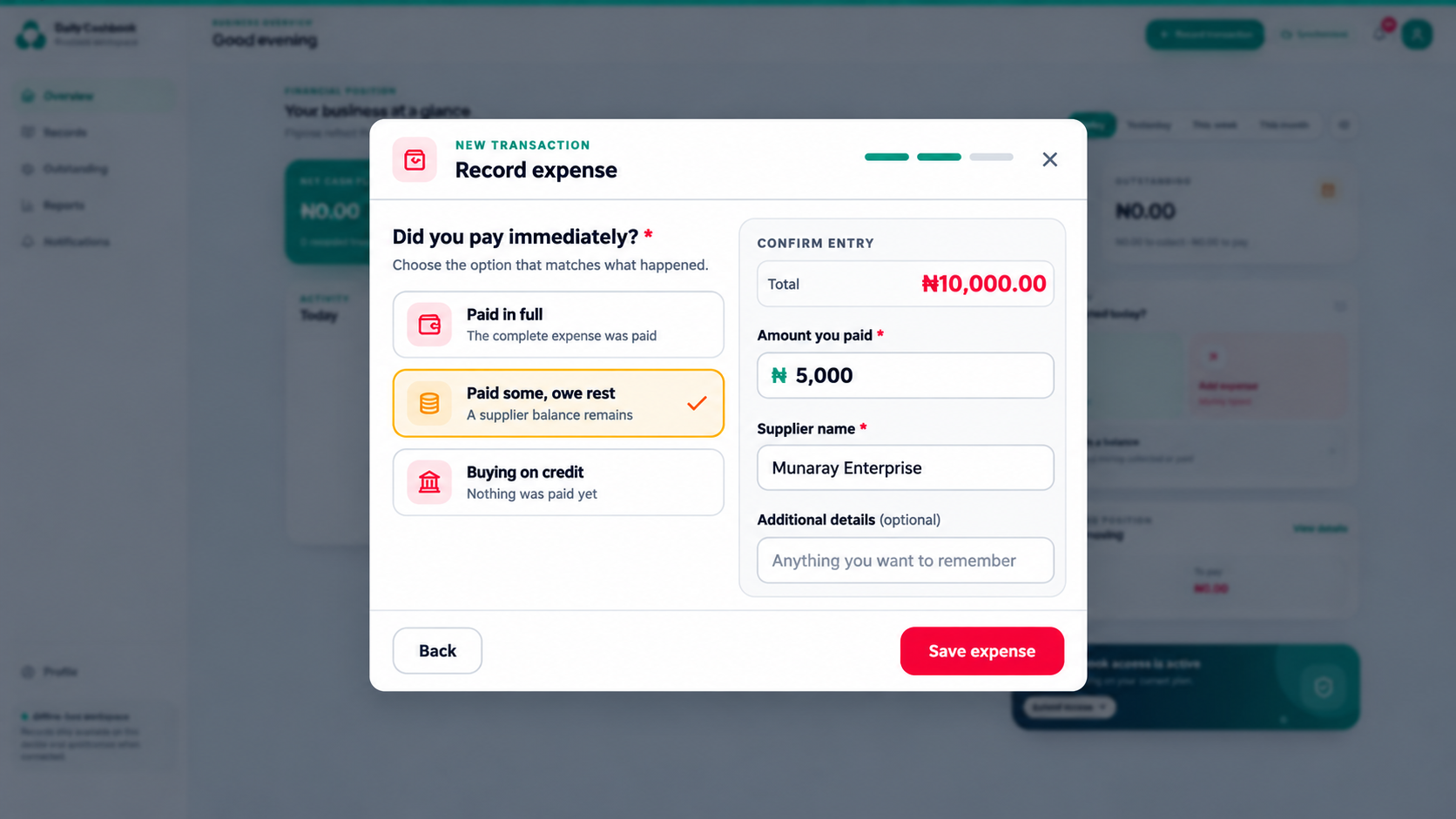
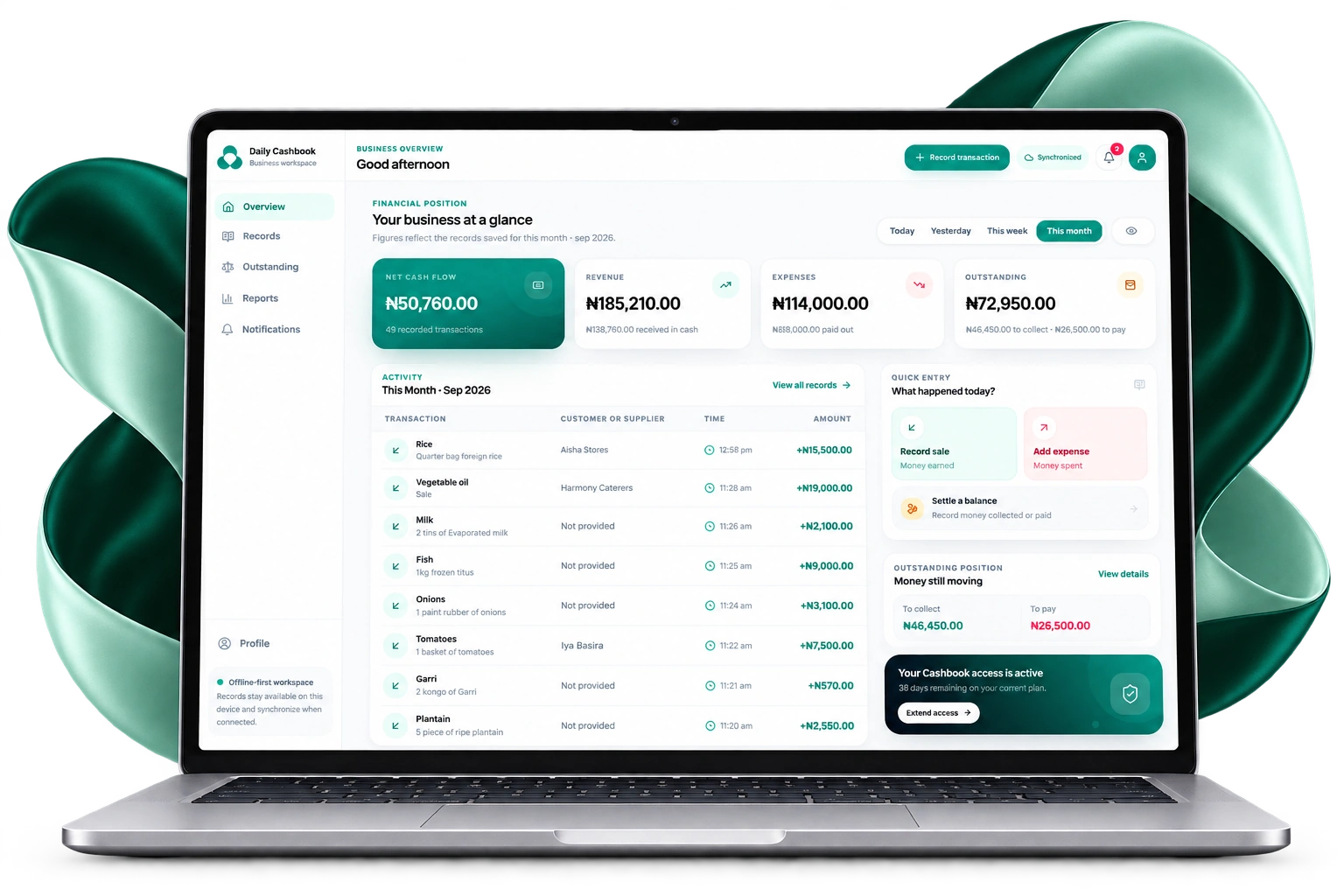
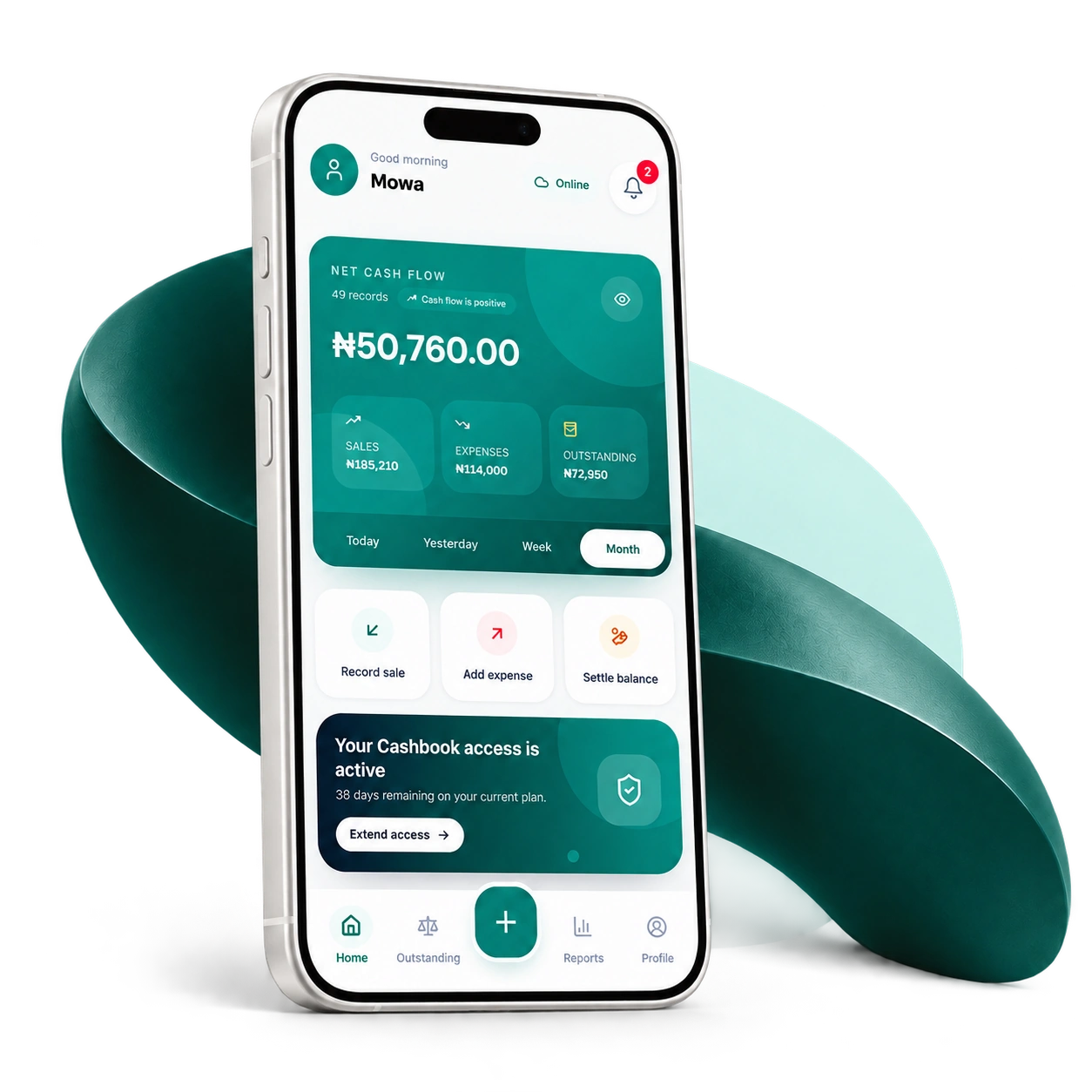
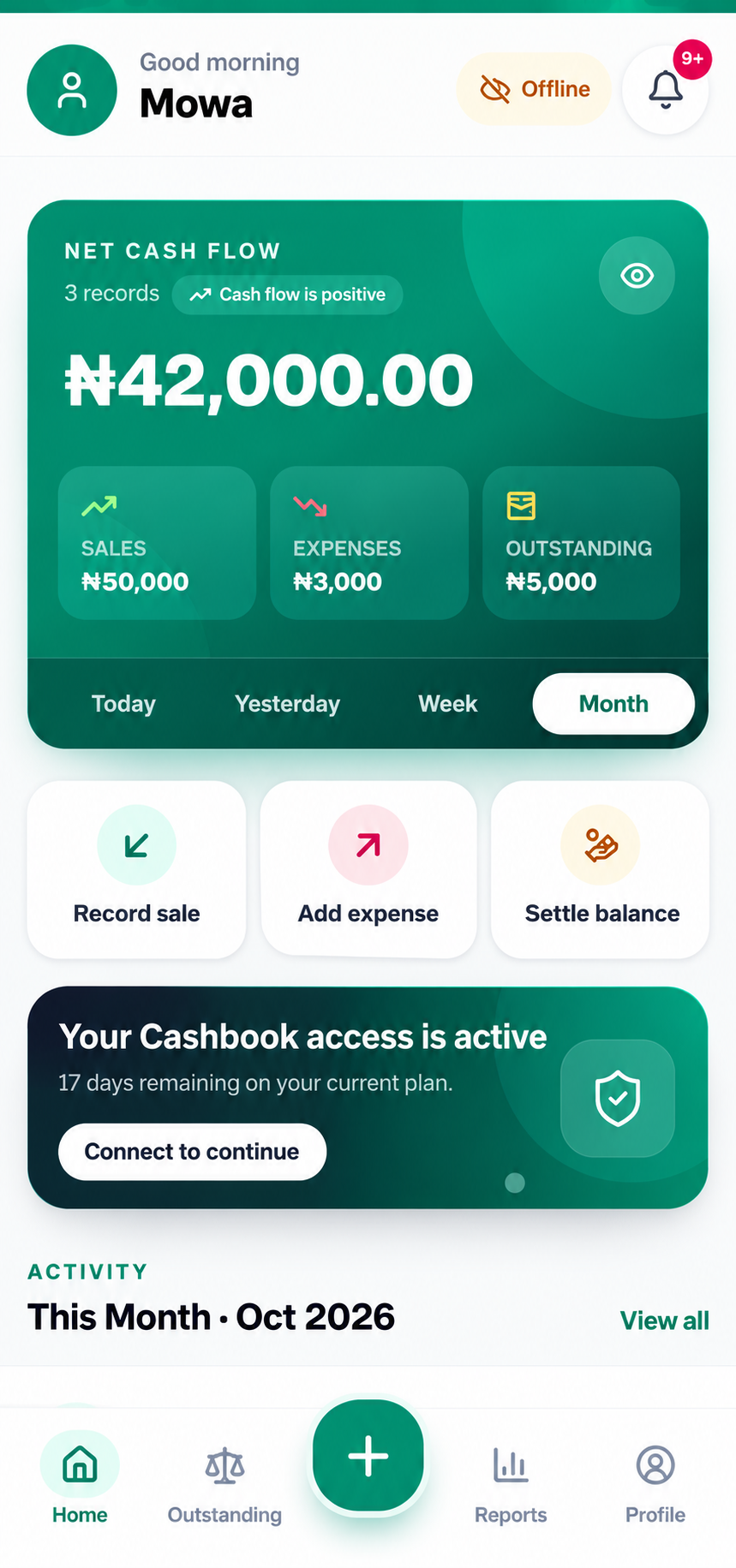
Record sales and expenses, and tell Daily Cashbook how money changed hands. From those records, it calculates profit, cash movement and outstanding balances, and brings them together in business reports.
Record what happens
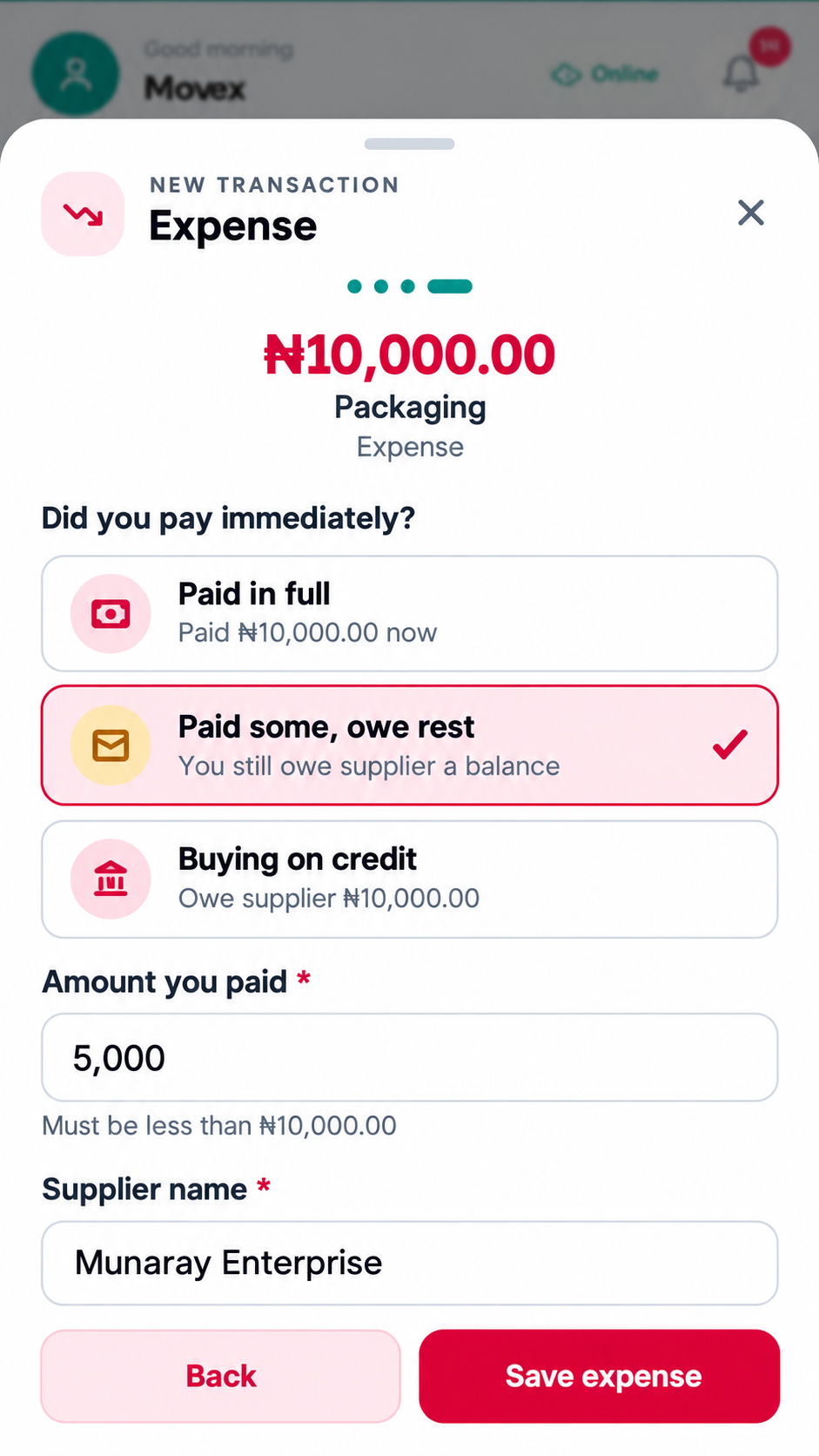
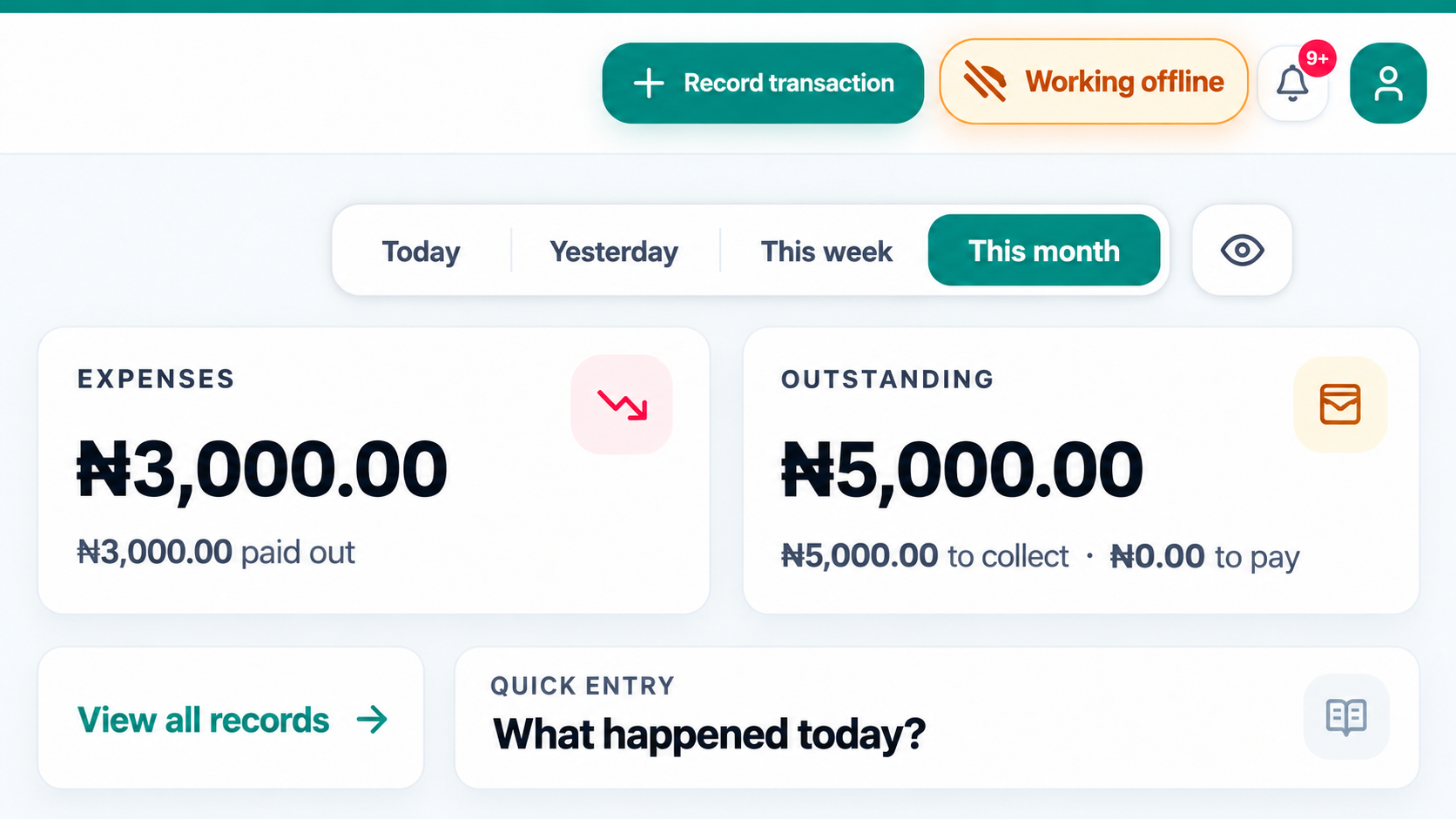
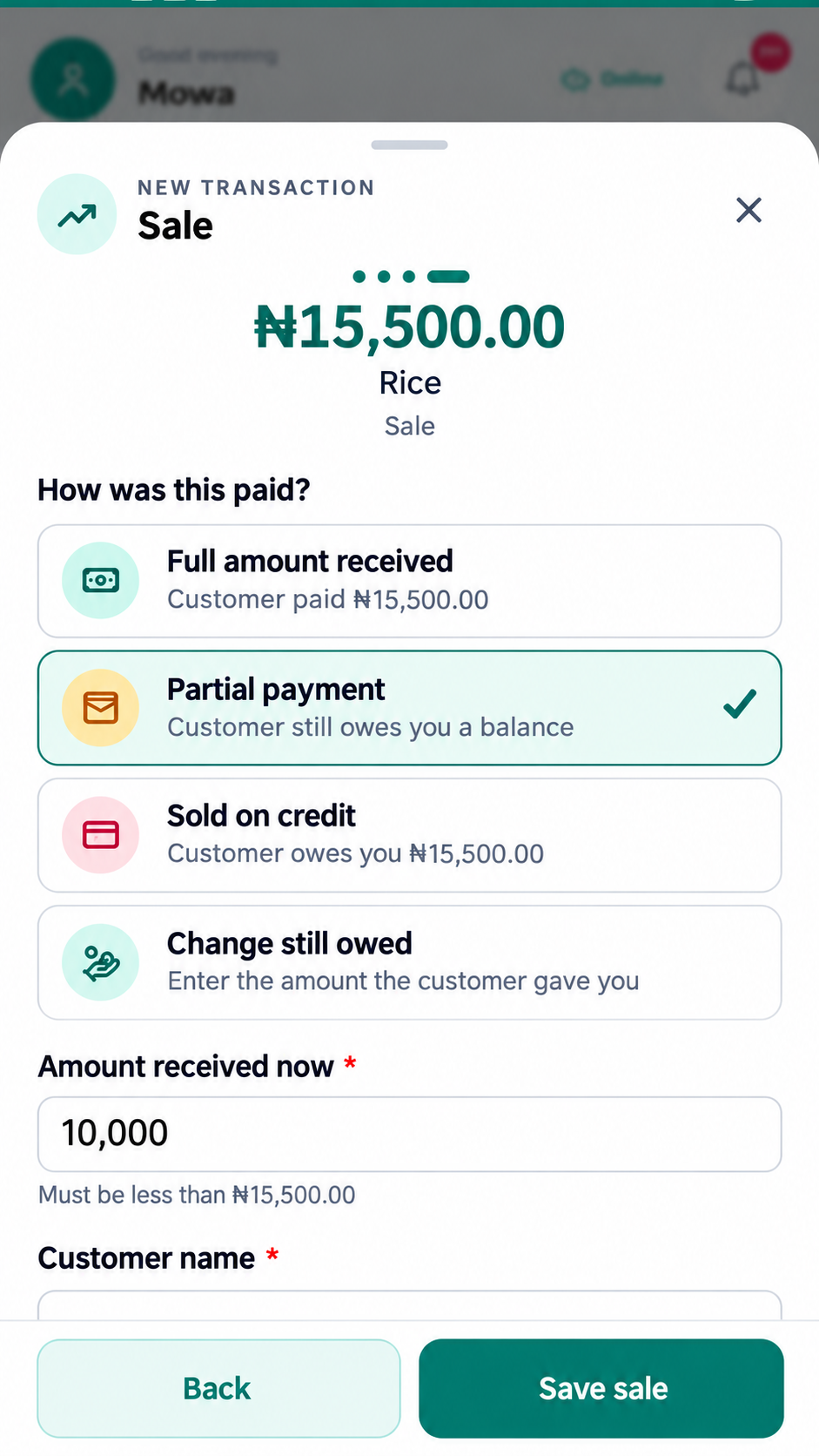
Add a sale or expense, describe what it was for, and record how money changed hands. Whether payment is complete, partial or still outstanding, Daily Cashbook keeps the amount and remaining balance connected.
Outstanding balances
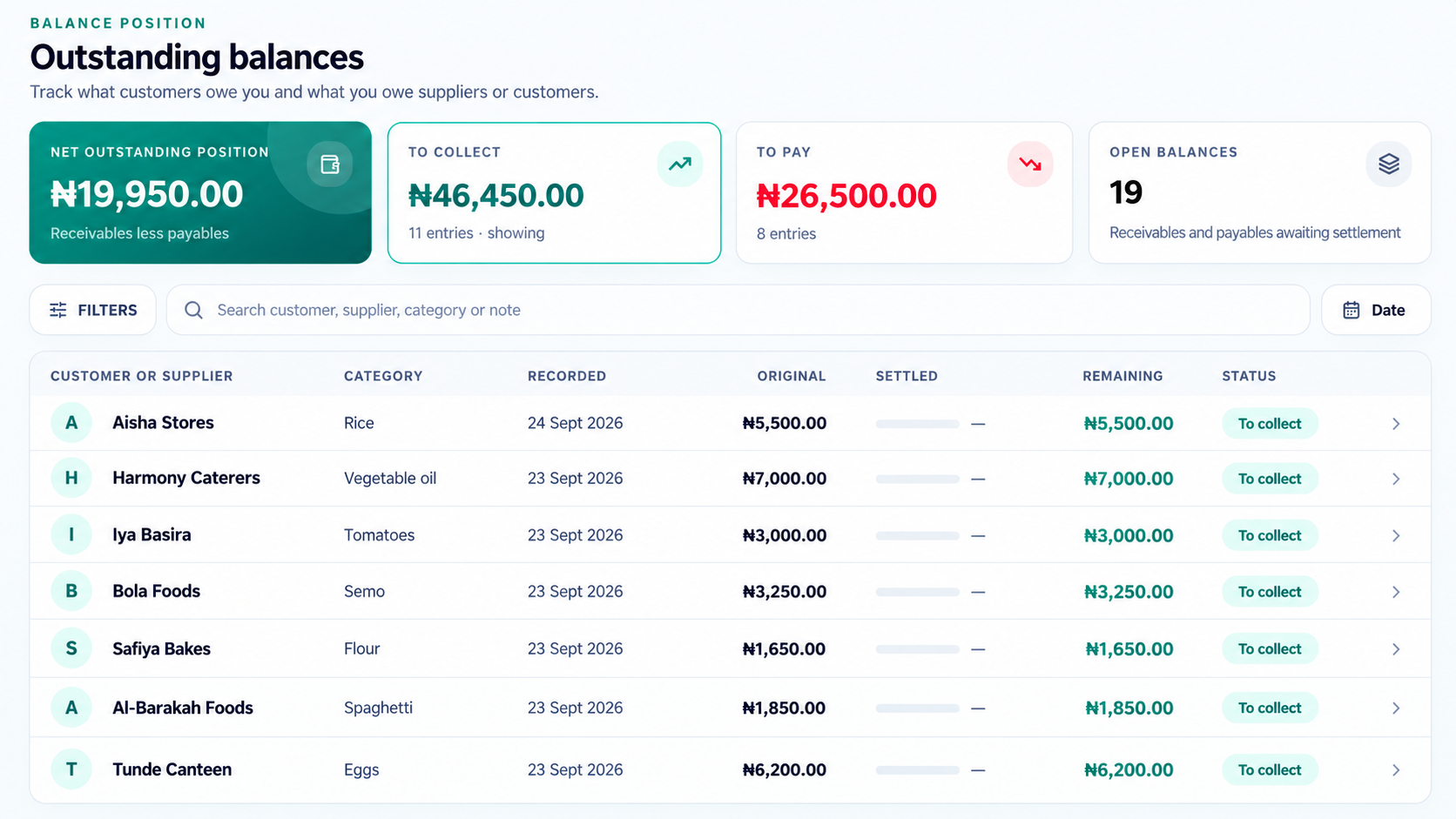
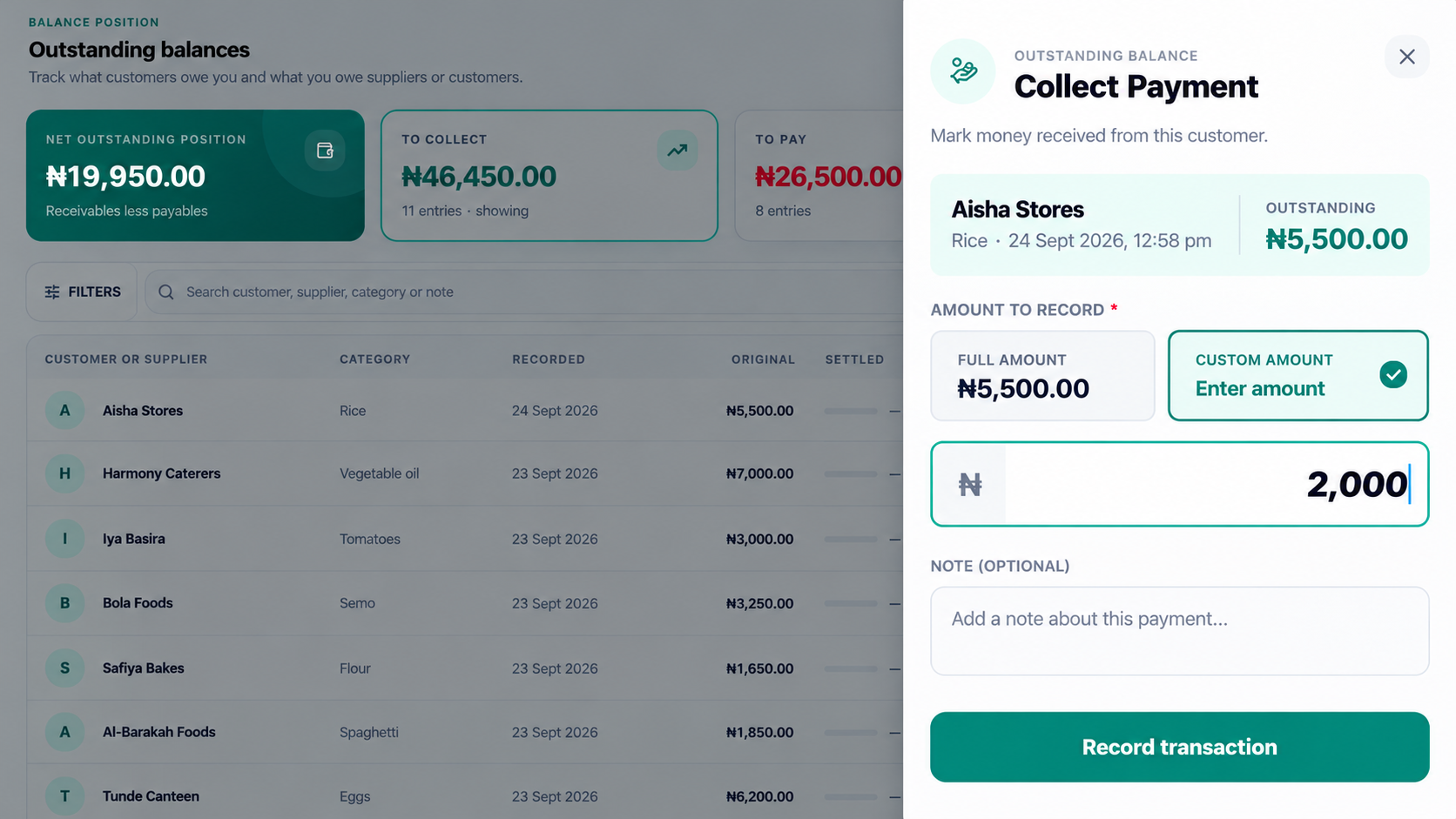
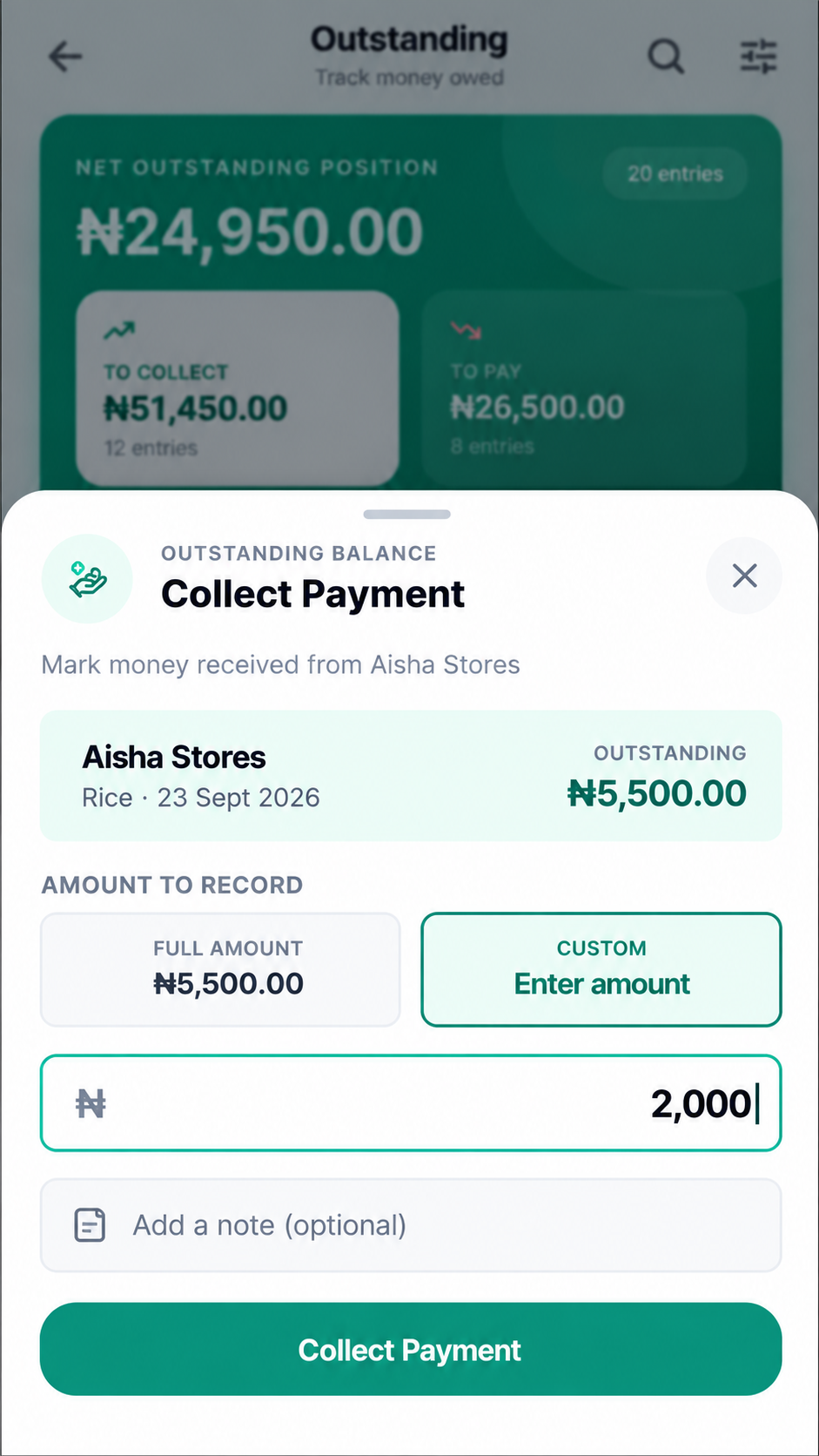
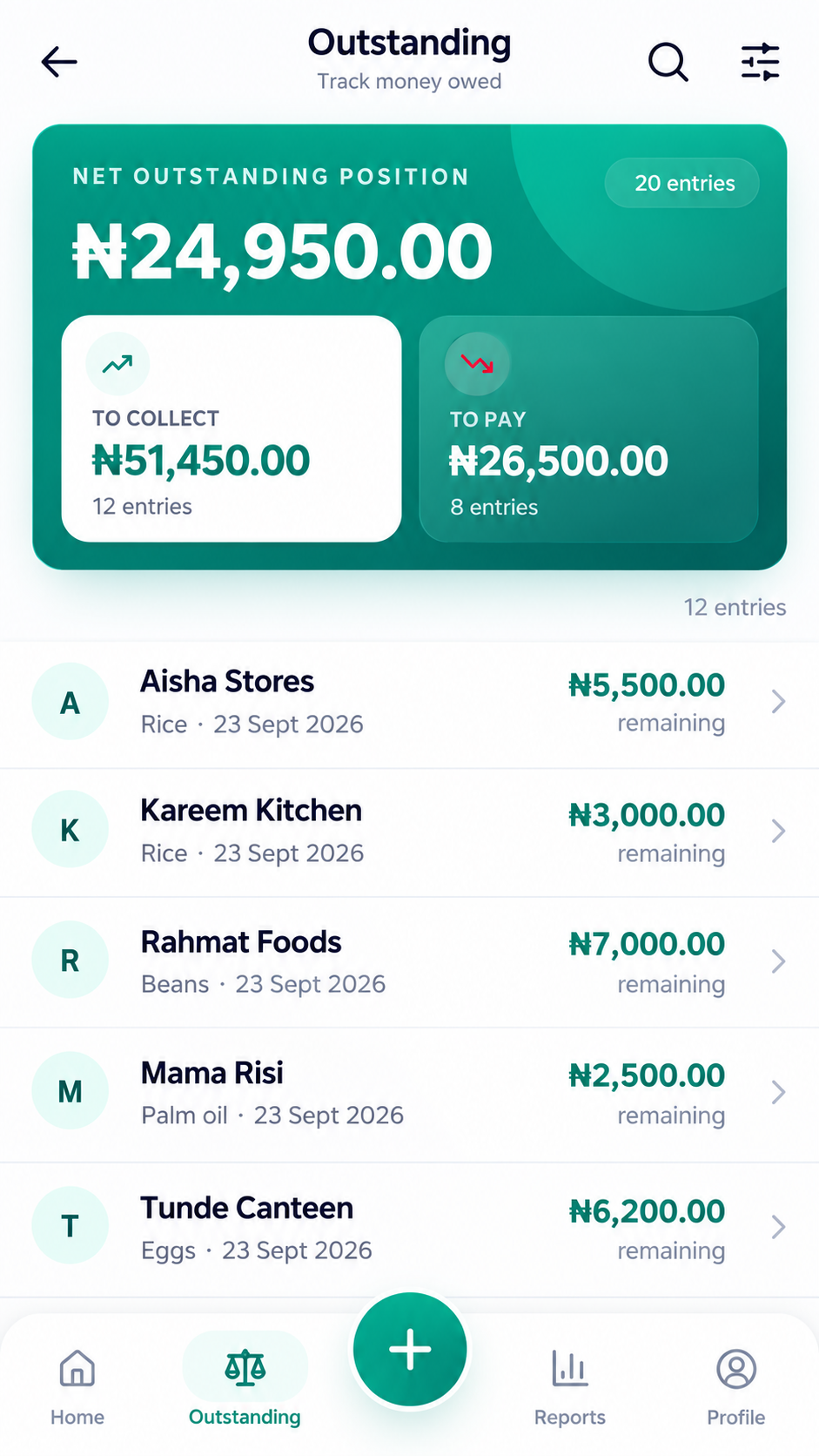
Keep track of customer balances, supplier payments and change you still owe. When money is received, paid or returned, record the full amount or part of it against the original entry. Daily Cashbook updates the remaining balance so you can see what still needs attention.
Business reports
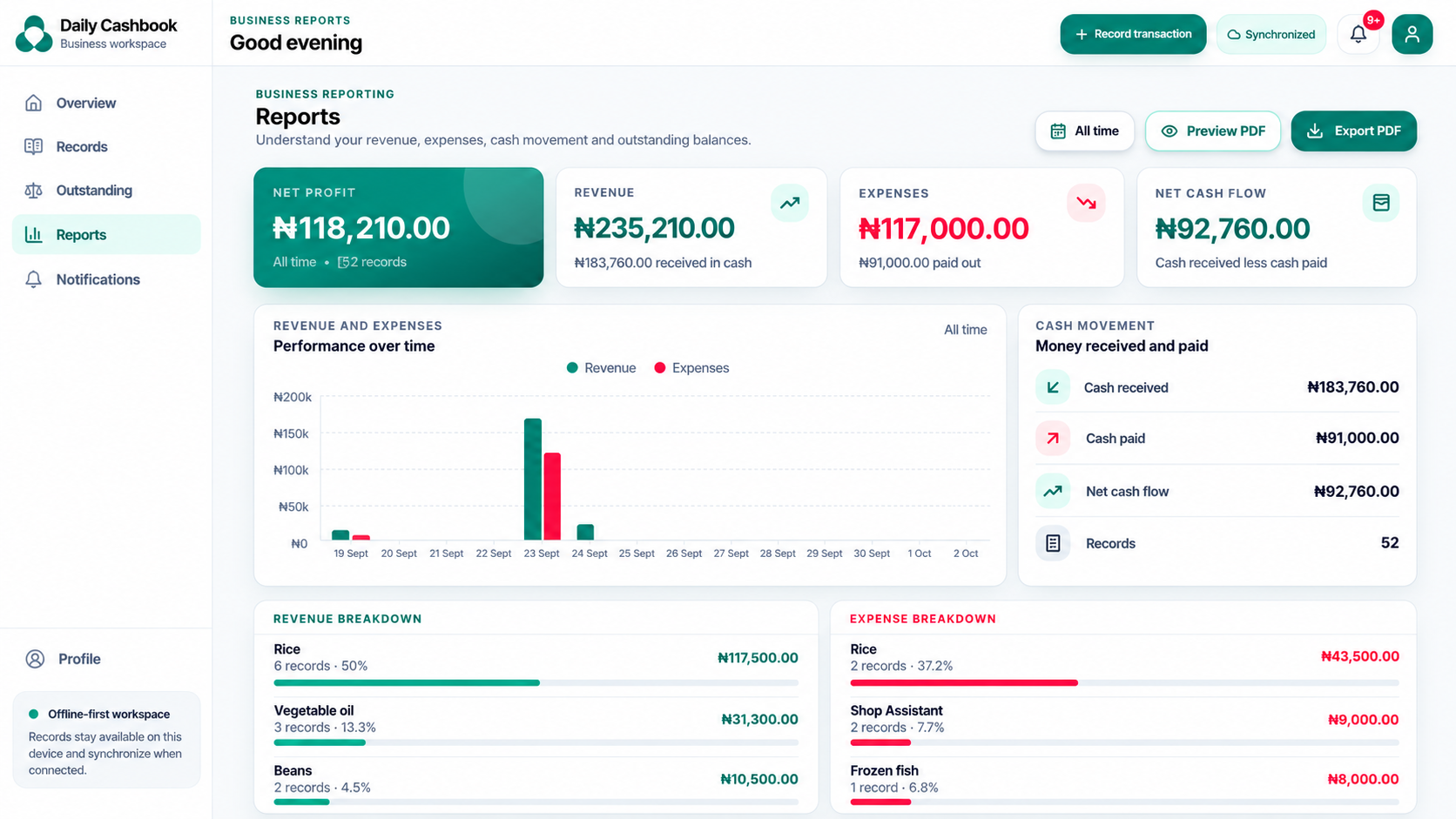
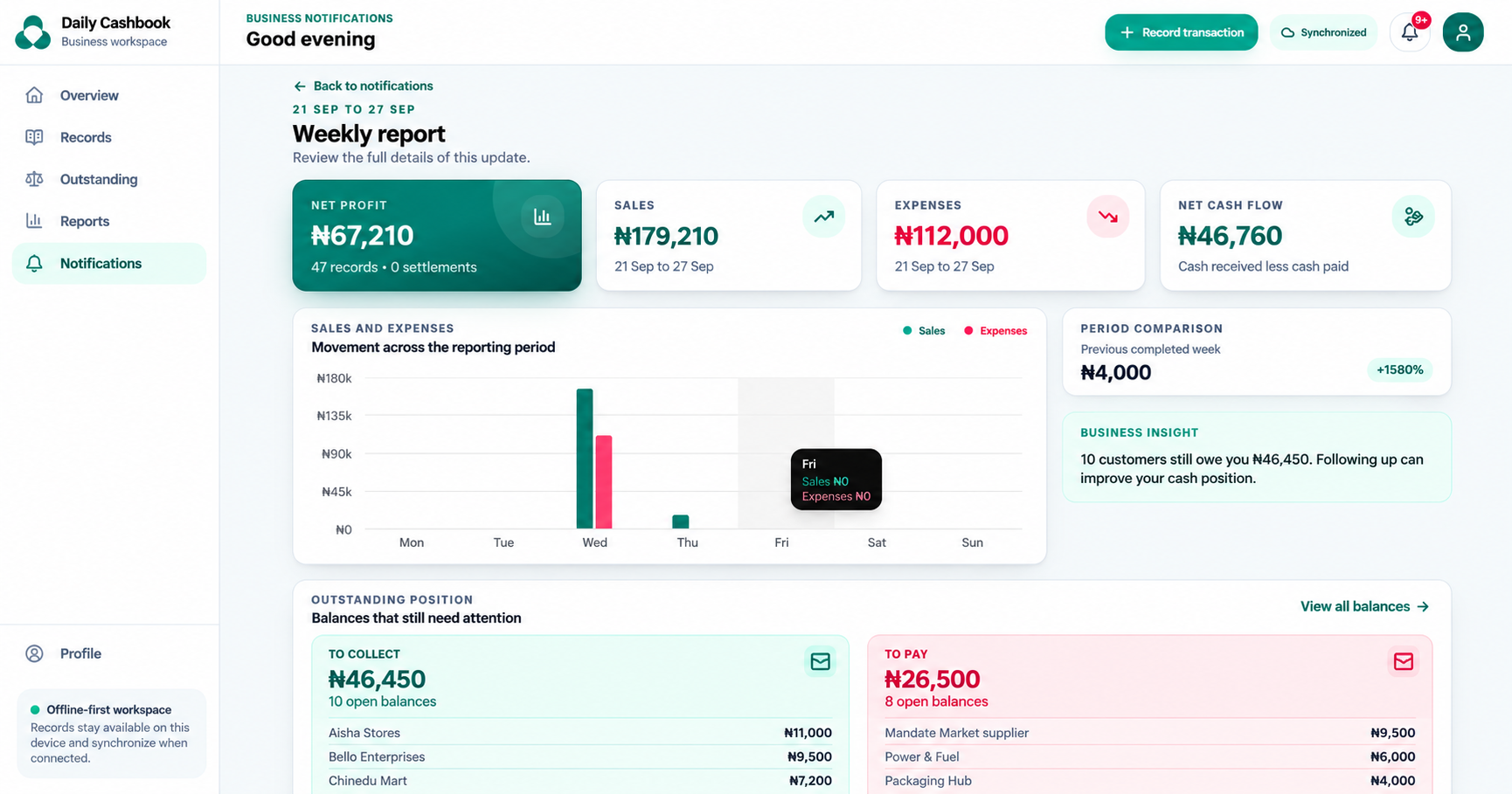
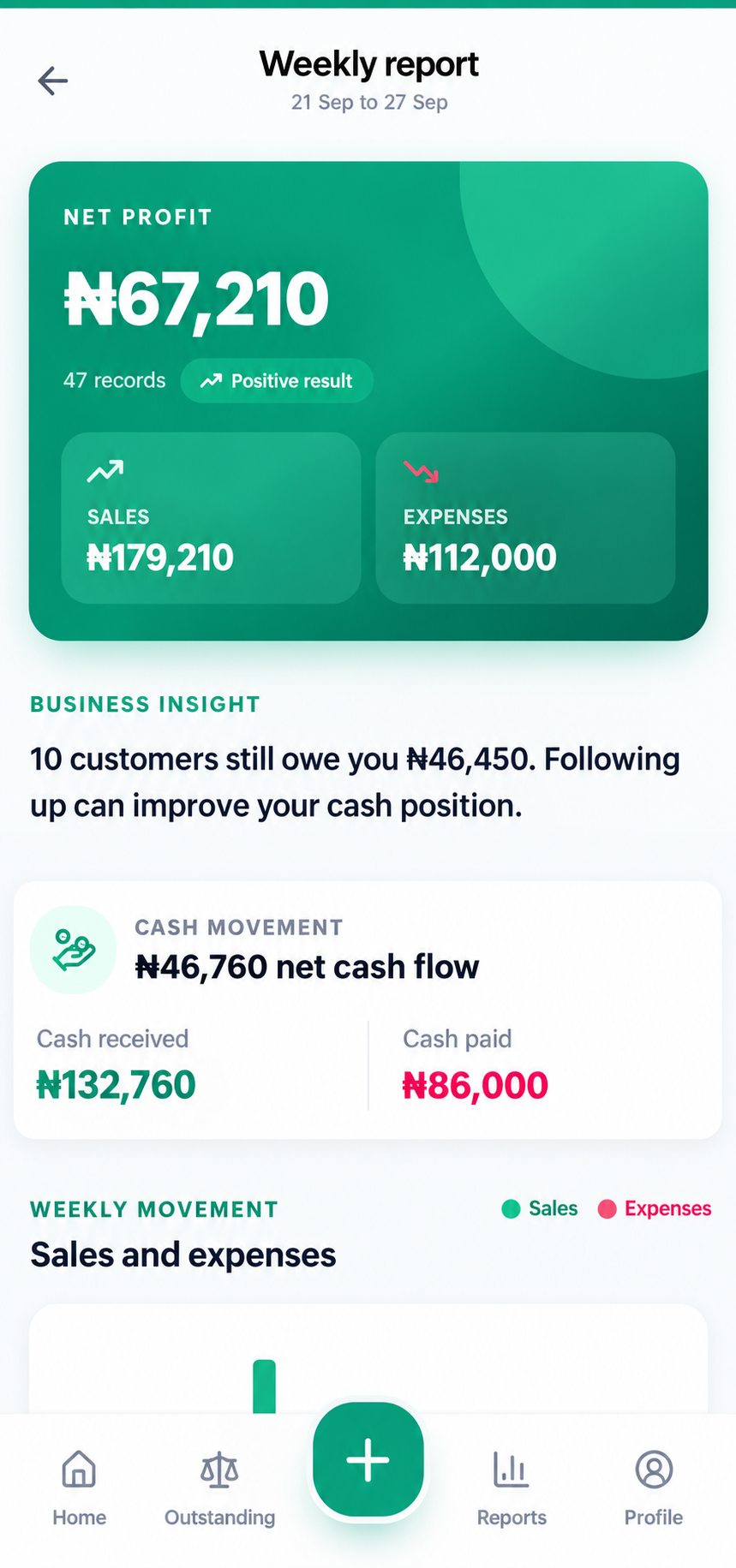
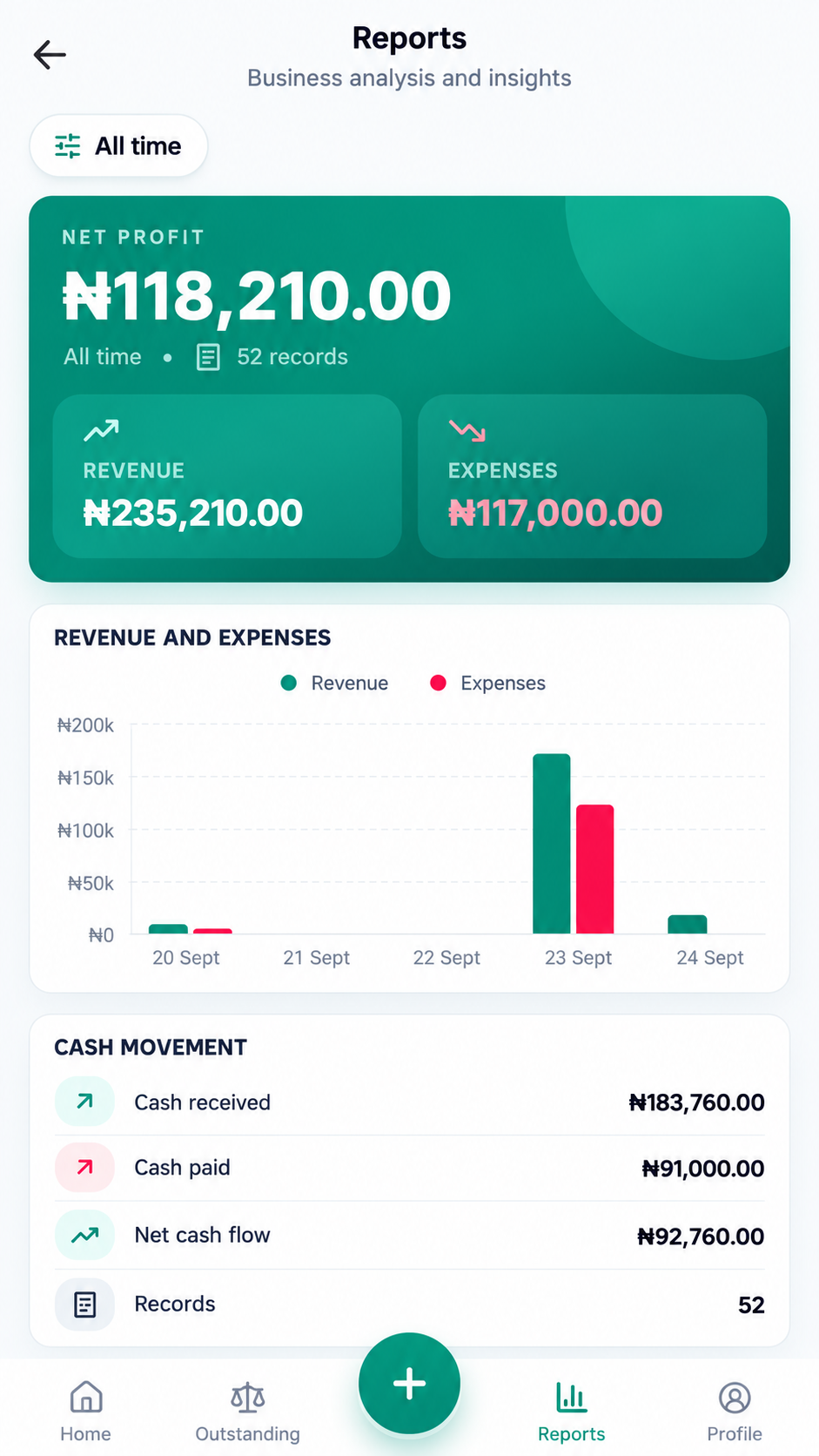
Choose a period to review revenue, expenses and profit alongside money received and paid. See how the business performed and how cash moved, based on the records you entered.
Preview your report or export a PDF.
Report preview uses test data.
Everyday use
Pricing
Choose your access period. Every plan includes the same Cashbook features.
14 days free. No card needed. No automatic renewal.
Prices show Daily Cashbook only.
₦250
7 days of access
Cashbook access
Start 14-day trial₦750
30 days of access
Cashbook access
Start 14-day trial₦7,500
365 days of access
Cashbook access
Save ₦1,500 against twelve 30-day purchases
Start 14-day trialEarly renewal preserves unused time. Existing records remain readable after expiry.
Daily Cashbook runs in a supported browser on your phone or computer. After installation, record sales and expenses offline while your access is active. Your pending records synchronise when you reconnect. Signing in, purchasing access and exporting PDFs need an internet connection.
Yes. You can edit a saved record, with a history of changes. Related balances and Inventory stock movements are updated and remain traceable.
No. Inventory is an optional paid add-on for product and stock management. You can record sales and expenses without it. Even with Inventory active, you can record a sale without selecting products when you do not need it to update stock.
Save your products with their selling units, prices and opening quantities. When recording a sale, choose products and quantities. Daily Cashbook calculates the total, follows the payment status and updates stock when the sale is saved.
Yes. Choose a reporting period, preview the report and export a PDF when you are online and your access is active.
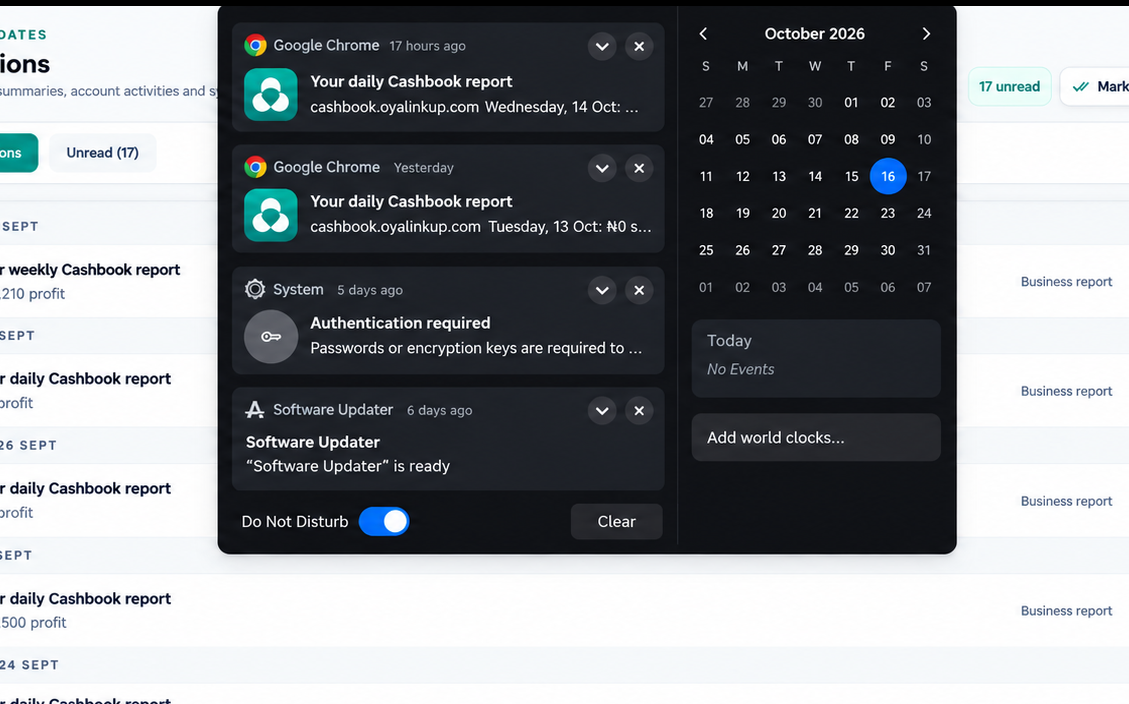
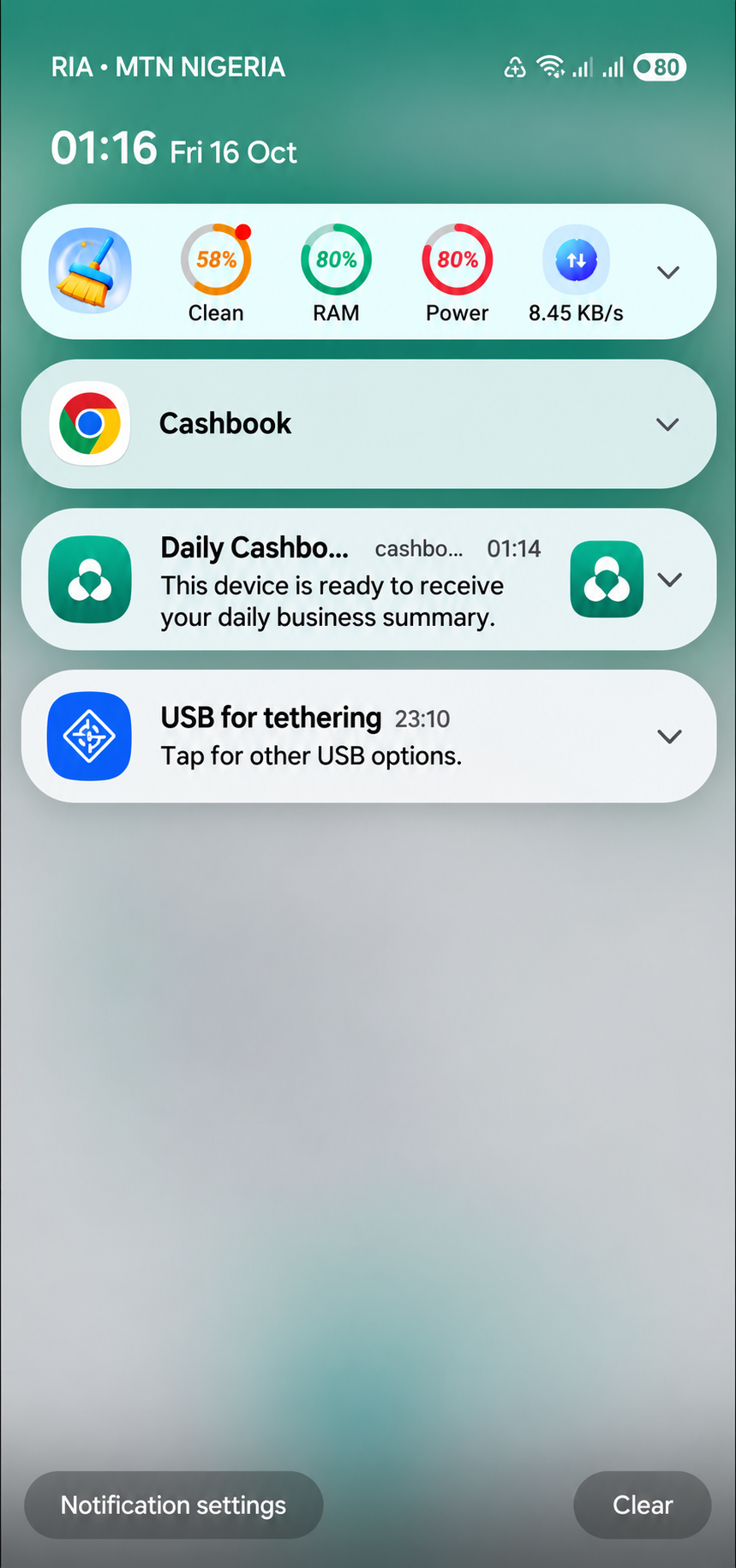
Enable notifications on your device to receive business summaries. Delivery depends on permission, connectivity and device settings. New financial summaries also require active trial or paid access.
Daily Cashbook does not renew automatically. You choose when to buy more time, and early renewal preserves your unused access time. When access expires, existing records remain available in read-only mode. Purchase more access time to add new records, synchronise changes and continue using active features.
Your next step
Record a sale or expense, then follow your business activity through Daily Cashbook.